Health practice management system
End-to-end development
Custom platform for a practice: scheduling, medical records, billing and online booking.
Technologies
- Next.js
- TypeScript
- PostgreSQL
- Prisma
- Tailwind CSS
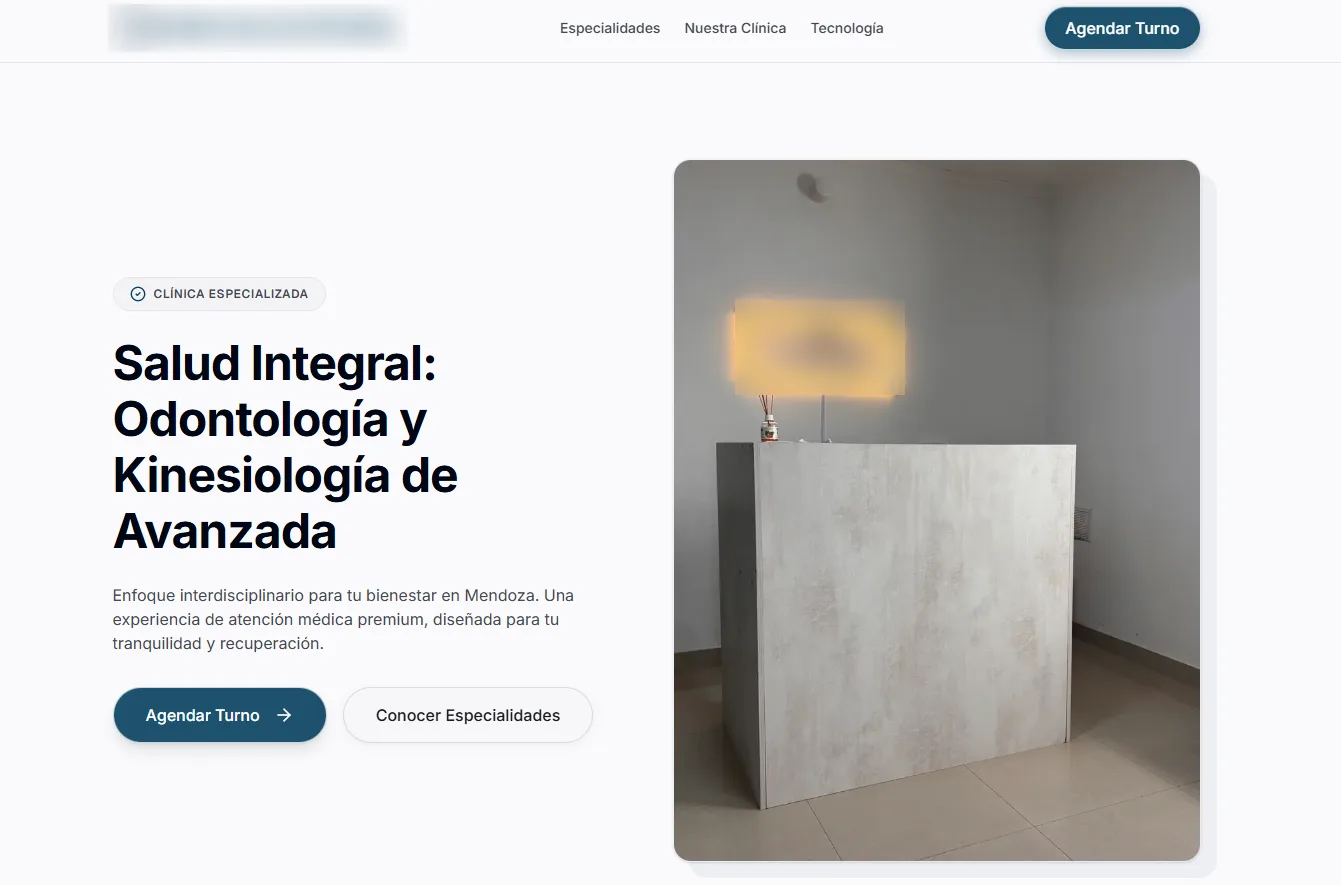
The problem
A dental and physiotherapy practice in Mendoza was running on outdated software, scattered calendars and around 560 patient records stored as PDFs, with no single place to see a patient's full picture.
Appointments could only be booked by phone or message, and the scheduling tool looked nothing like what the team wanted: a visual, color-coded calendar. On top of that, sensitive health data had to be handled by several people without everyone seeing everything.
The solution
A custom web platform that brings together the schedule, each patient's file and medical history, treatment quotes, payments and the daily cash register.
Patients book and cancel appointments from the practice's website, with no account needed. It works on desktop, tablet and phone, syncs with Google Calendar and covers both specialties, each with its own schedule, treatments and clinical forms.
My role
I owned the project end to end: discovery of how the practice worked and analysis of the previous system, database and screen design, development, migration of historical data, production rollout, automated backups and ongoing support. I used AI coding assistants along the way, always reviewing the result myself.
Key features
- Visual calendar scheduling: day, week and month views, color-coded by status, drag-and-drop rescheduling and a waitlist.
- Online booking: patients pick the specialty, treatment and an open slot, get an email confirmation and can cancel through a link.
- Complete medical records: interactive dental chart, visit notes, specialty forms, image and PDF studies, and printable prescriptions or certificates.
- Quotes and payments: PDF quotes, installment plans, a daily cash register with reconciliation and lab-work tracking.
- Automatic reminders: every day the system emails a reminder for the next day's appointment.
- Management reports: revenue, appointments, no-shows, most requested treatments and new patients.
Challenges and decisions
Health data and permissions. Not everyone sees the same things: whoever handles appointments and payments never accesses clinical records. It isn't a hidden button: the system refuses to hand over that data even if it's requested another way, and every change touching permissions goes through a mandatory review.
Migrating without losing the practice's history. Information lived in three sources: the PDF records, the previous software and an exported calendar. I built import tools that recognize each patient, merge duplicates into a single file and attach the historical PDF, so nobody had to re-enter anything by hand.
A schedule that doesn't fail. Two patients can't book the same slot at the same time, appointments show up in Google Calendar and respect the local time zone. If Google doesn't respond, the appointment is still saved. The database is also backed up every night, and each backup is automatically checked to make sure it can be restored.
Results
- Live in production and used daily across two specialties.
- Around 670 patients with unified records, including about 560 historical files imported from PDF.
- Online booking, email reminders and backups running automatically.